
How to Get More From Your Semrush Subscription With AI Agents

An existing Semrush subscription can answer a research question. The harder part for a small SEO team is getting that answer into the brief, application, or AI agent where a decision is made. If a repeatable browser task is already available in your plan, BrowserAct can make it callable through its Bot API or MCP. Teammates can request the result without each opening and exporting the same report.
The point is not to move every Semrush screen into a chat window. It is to give a specific question agreed inputs and a consistent result that a specialist can review.
The Value Is in the Handoff
Imagine an SEO lead, two content marketers, a growth marketer, and a founder. The lead sets the research method and explores reports. The others may need answers to narrower questions: Is a topic worth investigating? Which competitor is gaining ground? Which backlink prospect should we examine?
If every answer is an export, the lead repeats the work whenever someone changes a keyword or market. A defined research task lets the team reuse the retrieval step while keeping the judgment with the people who know the product and audience. That is where a Semrush subscription with AI agents becomes useful: one bounded question can reach the teammate who needs it.
One Keyword Check, One Better Content Decision
Here is a concrete question. If a product serves people looking for an Etsy scraping solution, is “etsy scraper” worth a closer content brief in the US?
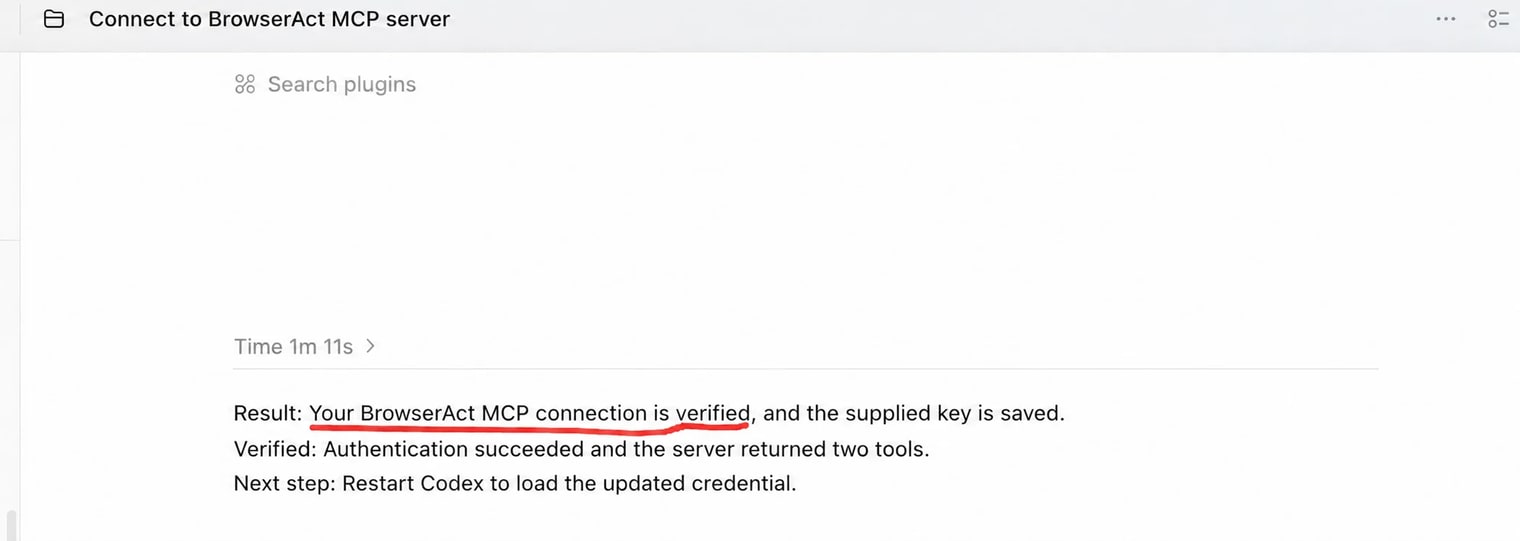
I tested this in Codex with “etsy scraper” for the US market. Through BrowserAct MCP, Codex called Semrush Keyword Overview and returned an estimated 480 monthly searches, a keyword difficulty score of 11, and an estimated $4 CPC.
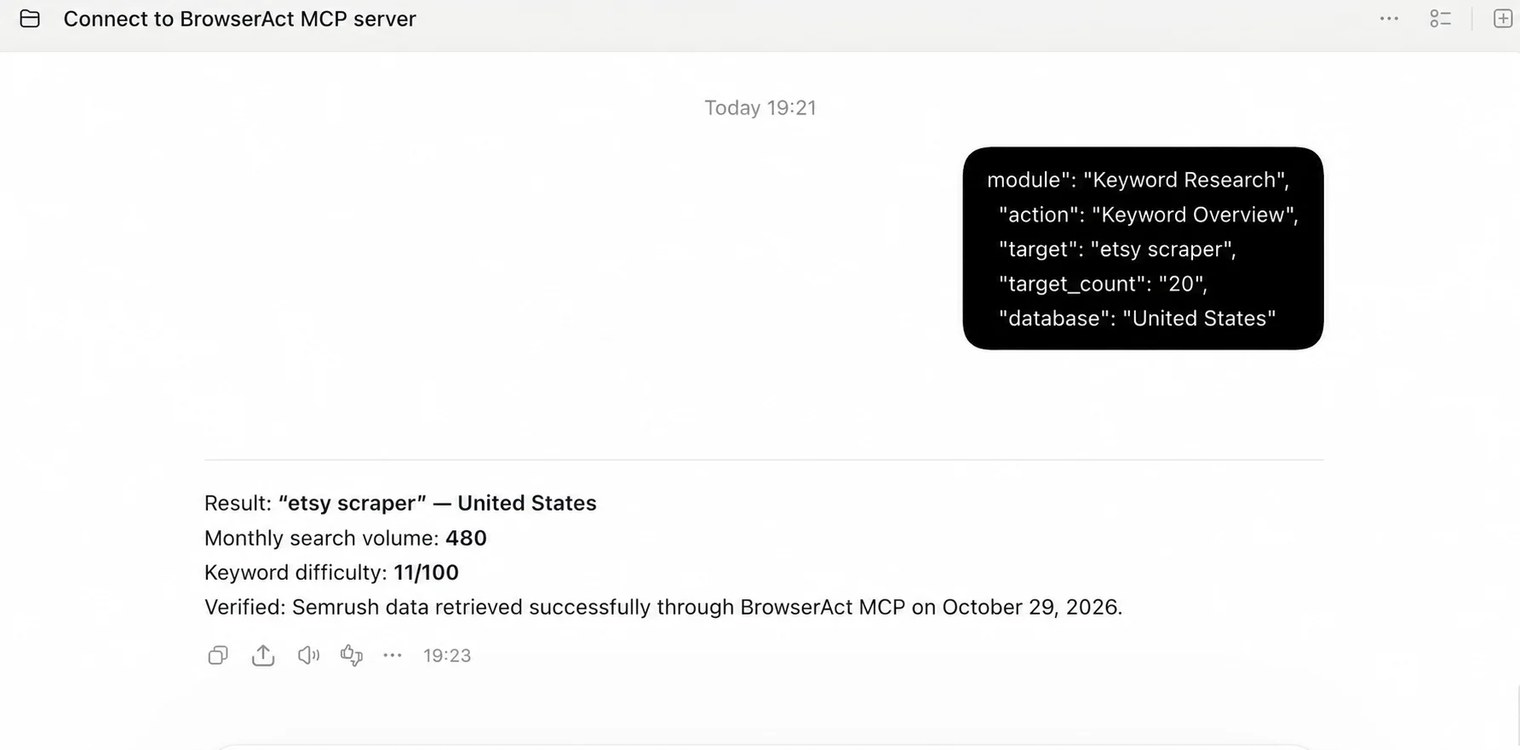
The next decision is human: check product relevance, inspect the search results for intent, then decide whether a tutorial, comparison, or no page at all makes sense. A low difficulty estimate alone is not a publishing strategy. The useful part of the Agent call is that a marketer can repeat the same check for another phrase without asking the SEO lead to copy a new report into a message.
I would repeat the check with a few related phrases before committing to a content plan.
From Browser Research to a Callable Tool
What caught my attention about the BrowserAct Semrush template was the short path to a first result: click Run, choose an IP and a Semrush account already managed in BrowserAct, then submit the research request. No coding is required. BrowserAct's API or MCP can bring the supported results into an application or compatible AI agent, so the team can reuse the research without forwarding reports by hand.
This extends a task the subscription already supports into the place where the team works. The output remains limited to the owner's Semrush access and the Bot's supported action, so the first test should use a report the team can already check in the browser.
Let Teammates Use the Result Instead of Taking Turns Logging In
The owner manages the Semrush access used by the Bot. Trusted teammates connect compatible agents with the same MCP Server URL and matching API key, then request the supported result. They do not need to share the Semrush web password or sign in on each device for that call.
That is enough for a teammate preparing a brief or checking one research question. Someone who needs to build projects and explore Semrush reports freely still needs direct workspace access. The BrowserAct MCP guide covers the connection steps; the team's first decision is what question the Bot should answer.
A Five-Person Team Budget
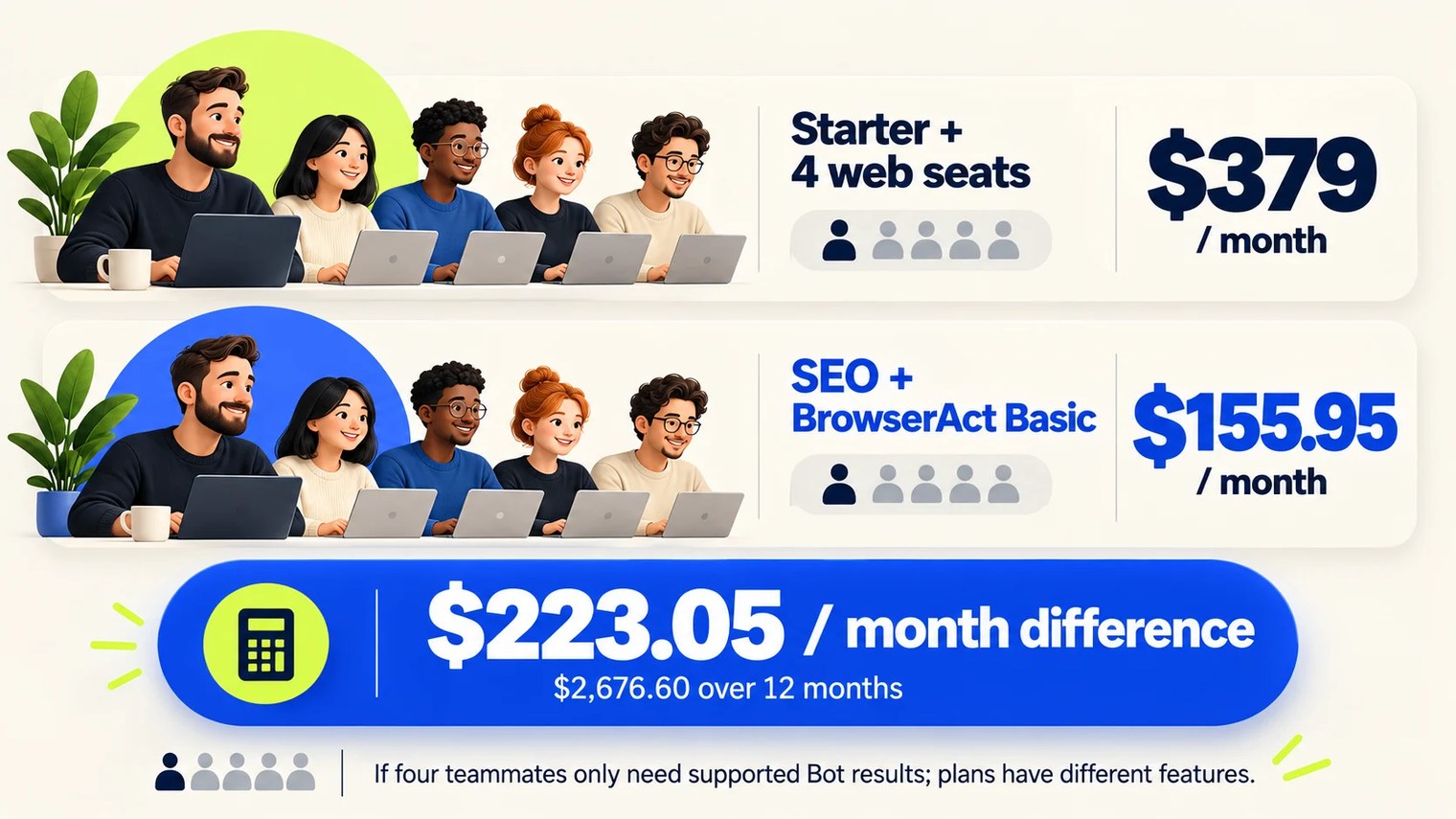
The budget follows the work. In the Semrush monthly pricing view used here, SEO is $139.95, Starter is $199, and additional users start at $45 per month. BrowserAct Basic is $16 per month. Suppose four colleagues in a five-person team only need the Bot's supported results, while one owner maintains the task. Compare that with Starter plus four additional web seats at the $45 starting price:
| Five-person fixed-subscription scenario | Monthly | Twelve months |
|---|---|---|
| Starter + four additional web seats at $45 each | $199 + (4 × $45) = $379.00 | $4,548.00 |
| SEO + BrowserAct Basic; one owner-managed Bot | $139.95 + $16 = $155.95 | $1,871.40 |
| Difference between the two scenarios | $223.05 | $2,676.60 |
Some teams consider Advanced mainly to automate keyword or competitor research through an API. If a specific task is already available in SEO and BrowserAct supports it, the team can test that Bot before upgrading solely for that task. If Advanced is priced at $549 per month, the fixed-fee gap versus $155.95 for SEO plus BrowserAct Basic is $393.05 monthly, or $4,716.60 over twelve months. The Advanced price is a scenario, not a universal quote, and this separate comparison should not be added to the five-person difference.
BrowserAct Basic includes 10,000 monthly credits for Bot runs. Extra usage or a separately priced static proxy can change the budget, so a representative week of requests is a better purchasing test than the table alone.
Start With the Research Question, Not a New Plan
I would choose the question the team asks repeatedly, verify that both the current Semrush subscription and the Bot support it, then check whether the returned fields help someone make a decision. The single-keyword call above shows how the handoff can work; the next test should be a request a teammate actually needs.
That is how a Semrush subscription with AI agents can become more useful: the right answer reaches the right workflow without another report-export cycle. Seat-budget savings follow when that result genuinely replaces web access purchased only to retrieve it. If you have a question to test, explore the Semrush template and start with one supported task.
See where your brand stands in AI answers today, benchmarked against your competitors, no pitch required.

How to Use the Google Search Console MCP in Your SEO Process (6 Real Workflows)
Six Google Search Console MCP workflows we run on search.agency, each with the exact prompt, the tool it calls and the real output it returned.
Read post →
How DOKU Became the Most Visible Payment Gateway in Indonesian Search
DOKU was the better-known brand and the worse-ranked one. Eight months of technical repair and four content pillars later, it holds more Top 3 rankings than any payment gateway in the market.
Read post →
How to Fix Crawled and Discovered Currently Not Indexed Pages in Search Console
Google found these pages, sometimes even read them, and still left them out of the index. How to tell the two Search Console statuses apart, and which fixes actually move them.
Read post →