
WebMCP: How to Make Your Website Executable by AI Agents

Contents+
- 01What WebMCP Actually Is
- 02Why This Matters for SEO and AEO
- 03How to Enable WebMCP in Chrome for Testing
- 04Your First WebMCP Tool
- Read Only Tools First, Write Tools Later
- React and Next.js
- Declarative Versus Imperative
- 05Testing What You Built
- 06Security: What to Lock Down Before Shipping
- 07A Practical Five Step Rollout
- 08Where This Leaves SEO
For two years, AI search has been a content game. You write better answers, mark them up with schema, wait to get cited by ChatGPT, Claude, Gemini, and Perplexity. That work is still where the majority of budget should go. But a second front opened in February 2026, and by late May it is large enough to plan around.
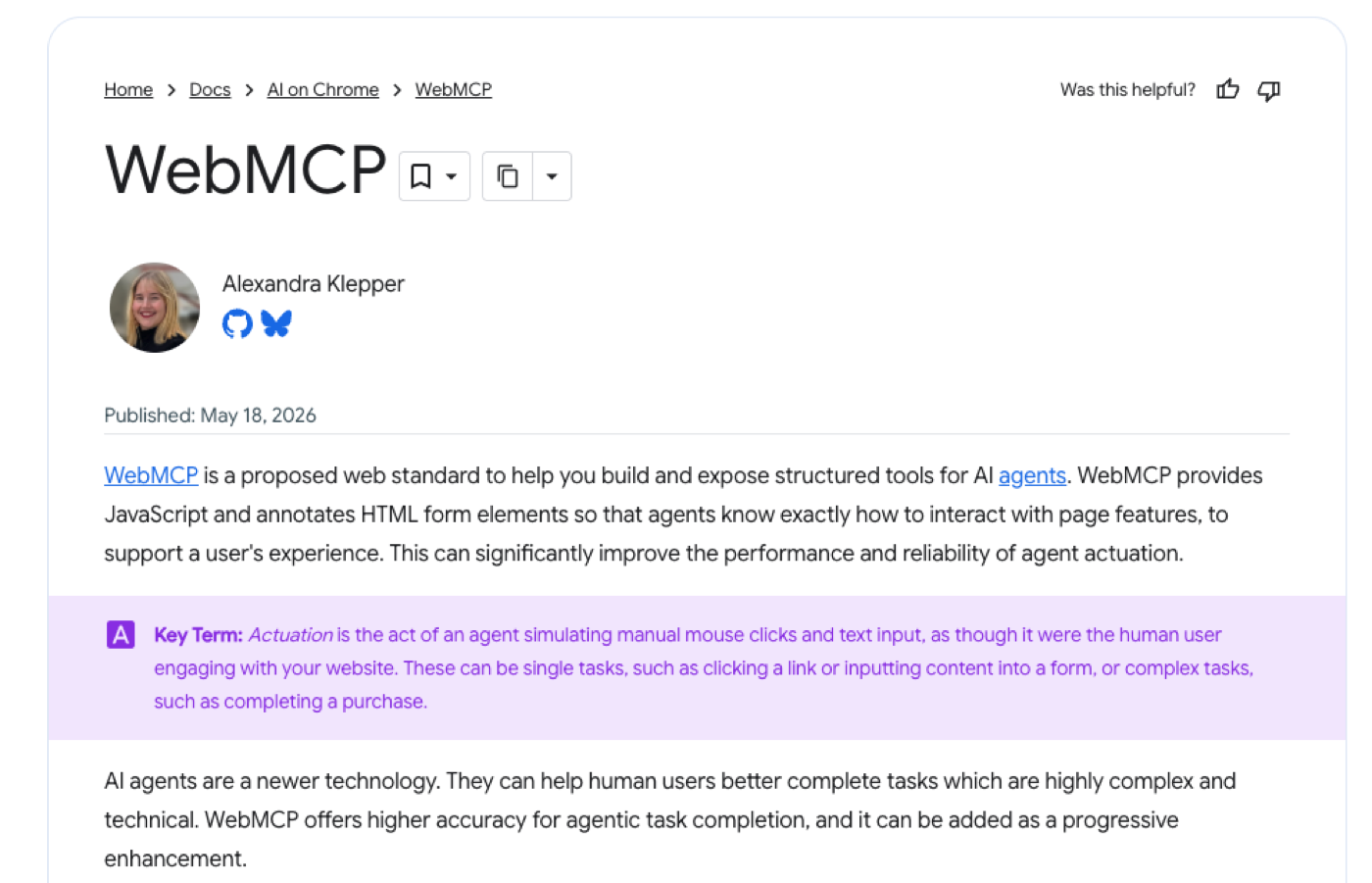
Google and Microsoft, working through the W3C Web Machine Learning Community Group, released WebMCP: a browser native JavaScript API that lets a site expose callable tools directly to AI agents. Chrome 149 moved it into a public origin trial on May 19. Edge 147 has it. The testing flag lives at chrome://flags/#enable-webmcp-testing.
The strategic shift: AI search is splitting into two surfaces, retrieval and action. Schema, citations, and answer engine optimization own retrieval. WebMCP owns action. If your site converts (ecommerce, booking, signup, lead capture, any flow where the agent's goal is to do something rather than read something), the action surface is where the next round of agent traffic gets decided.
What WebMCP Actually Is
WebMCP is exposed through navigator.modelContext. Your page calls registerTool with a name, a description, a JSON Schema for inputs, and an async execute function. The browser surfaces that tool to whatever AI agent is driving the tab. The agent does not parse HTML, guess at selectors, or simulate clicks. It calls the function directly with structured arguments and receives a structured response.
Today, an agent that wants to add a product to a cart has to parse the DOM, identify the right selector, click it, and verify the result. Fragile to layout changes, slow to execute, expensive in tokens. With WebMCP, your site declares an addToCart tool that takes a product ID and quantity, and the agent invokes it.
Early benchmarks put WebMCP driven task completion at roughly 98 percent accuracy against substantially lower rates for DOM scraping. Token usage drops by roughly 65 percent on average, with up to 78.6 percent reductions on e-commerce flows specifically. LLM API costs fall 34 to 63 percent. Those numbers are the underlying economics that will make agents prefer WebMCP enabled sites the moment the standard ships broadly.
Why This Matters for SEO and AEO
Useful mental model: search is splitting into retrieval mode and action mode.
Retrieval mode is the surface we already optimize for. An AI summarizes content and surfaces an answer. SEO, AEO (Answer Engine Optimization), and GEO (Generative Engine Optimization) all live here. The win condition is being cited. Schema markup, content depth, and internal authority drive the outcomes. We leave llms.txt off this list on purpose. It is still only a proposal, no major AI search engine has confirmed that it reads the file, and Google's AI Optimization Guide says plainly that you do not need one. Our AI Search Optimization service is built on exactly this loop.
Action mode is what WebMCP unlocks. An agent books, submits, purchases, or signs up on behalf of the user. The win condition is being invoked. A page optimized for discoverability gets cited in an answer. A page optimized for actionability gets called as a live tool. These are complementary surfaces, not competing ones. They require different work, and right now almost no one is doing the second one.
For transactional intent the implication is concrete. When a user tells an agent "book me a one bedroom serviced apartment in Jakarta for next weekend," the agent does not want to navigate three booking sites and fill forms. It wants to call searchAvailability, get structured results, and call createBooking. The site that exposes those tools wins the conversion. For informational queries, WebMCP is not a ranking signal. Schema, content depth, and internal linking continue to carry the weight.
Honest framing for enterprise teams: WebMCP is a parallel investment, not a replacement. Treat it the way you would have treated schema markup five years ago. The sites that have working tools when adoption goes mainstream will get the disproportionate share of agent traffic.
How to Enable WebMCP in Chrome for Testing
You need Chrome 146.0.7672.0 or higher (canary and stable both work). Open chrome://flags/#enable-webmcp-testing, set "WebMCP for testing" to Enabled, and click Relaunch.
That flag activates navigator.modelContextTesting, the testing variant. It exposes listTools and executeTool so external inspectors (like the Chrome Model Context Inspector) can discover and call the tools your page registers. The production interface your code uses is navigator.modelContext, available in Chrome 146+ behind the flag and in Chrome 149+ via the public origin trial with no flag.
For shipping to real users, register for an origin trial token through Chrome's developer dashboard. Tokens are free, scoped per origin, and drop into a single meta tag.
Your First WebMCP Tool
Here is the minimum viable implementation. Drop it into any page and you have a working tool an agent can call.
```javascript
if ('modelContext' in navigator) {
  navigator.modelContext.registerTool({
    name: "searchProducts",
    description: "Search the product catalog by keyword. Returns up to 10 matching products with id, name, price, and stock status.",
    inputSchema: {
      type: "object",
      properties: {
        query: {
          type: "string",
          description: "The keyword to search for"
        },
        limit: {
          type: "number",
          description: "Maximum number of results, default 10"
        }
      },
      required: ["query"]
    },
    async execute({ query, limit = 10 }) {
      const results = await fetch(`/api/search?q=${encodeURIComponent(query)}&limit=${limit}`)
        .then(r => r.json());

      return {
        content: [{
          type: "text",
          text: JSON.stringify(results)
        }]
      };
    }
  });
}
```
Three things to notice. Feature detection (`if ('modelContext' in navigator)`) means your code does not error on Safari, Firefox, or older Chrome. Treat the API as progressive enhancement.
The description is the ranking signal of the action layer, the closest analogue WebMCP has to a meta description. Agents read it to decide whether your tool is the right one to invoke. Write it plainly: the action, the inputs, what comes back. No marketing fluff. Agents are literal.
The input schema is standard JSON Schema. Use clear property descriptions, mark required fields, constrain types tightly. A loose schema invites the agent to send malformed arguments.
Read Only Tools First, Write Tools Later
Sensible rollout order: read tools first (search, browse, filter, check stock, get availability), then soft write tools (add to cart, save for later, newsletter signup), then hard write tools (checkout, booking, payment) which need explicit confirmation gates inside execute, audit logging, and rollback paths. Ship hard writes only after the read and soft surfaces have been stable for weeks.
React and Next.js
For React stacks, the @mcp-b/react-webmcp package gives you a hook that handles registration and cleanup automatically. It also accepts Zod schemas instead of raw JSON Schema, which is cleaner in practice.
```javascript
import { useWebMCP } from '@mcp-b/react-webmcp';
import { z } from 'zod';

function ProductsPage() {
  useWebMCP({
    name: 'searchProducts',
    description: 'Search the product catalog by keyword.',
    inputSchema: {
      query: z.string(),
      limit: z.number().optional()
    },
    async execute({ query, limit = 10 }) {
      const results = await fetch(`/api/search?q=${query}&limit=${limit}`)
        .then(r => r.json());
      return { content: [{ type: 'text', text: JSON.stringify(results) }] };
    }
  });

  return <div>{/* your UI */}</div>;
}
```
The hook unregisters the tool when the component unmounts so you do not leak registrations as users navigate between pages.
Declarative Versus Imperative
WebMCP ships two APIs. The examples above use the Imperative API, JavaScript driven, suited for dynamic or multi step workflows. There is also a Declarative API that describes standard form interactions directly in HTML attributes. For simple cases (contact form, newsletter signup, single input search) the Declarative API needs no JavaScript. For anything stateful, go imperative.
Testing What You Built
Once a tool is registered, open the page in Chrome with the testing flag on and use the Chrome Model Context Inspector or the open source MCP-B inspector to call listTools. You should see your tool. Call executeTool with sample inputs and verify the response shape. The development loop is the same as testing any API endpoint: a small test harness, the inputs exercised, the outputs watched.
Security: What to Lock Down Before Shipping
WebMCP is experimental for a reason. The spec acknowledges three threat classes that are not fully solved, and any enterprise rollout needs to design around them.
Prompt injection via tool descriptions. If user generated content ever makes its way into a tool description (review text, profile bios, marketplace listings, anything user controlled), an attacker can embed instructions the agent will follow. Tool descriptions must be sanitized the way you would sanitize HTML output. Hardcode descriptions wherever possible. Never inline untrusted strings.
The lethal trifecta. An agent that can read private data, parse untrusted content inside that data, and call a tool that sends data outbound can be tricked into exfiltrating sensitive information. Concrete example: agent reads inbox, parses a phishing email's body, calls a shareToContact tool with the wrong recipient. The chain happens entirely inside the agent's reasoning. WAF and CSP do not catch it. Mitigation: keep read and outbound action tools in separate trust boundaries, and require explicit user confirmation on anything that leaves the origin.
Destructive action enforcement. Chrome requires user confirmation before forms submit by default, but imperative tools can bypass that default. For anything irreversible (delete, send, charge) build a confirmation step into the tool itself. Do not rely on the browser to gate the action.
Practical guidance for clients: ship WebMCP on browse and discovery flows first. Keep authenticated, PII handling, and destructive tools off the action layer until the spec stabilizes. Treat the origin trial period as a learning window. If you want help mapping this against your existing AI search work, our team audits action surfaces against the same framework we apply for GEO and AEO.
A Practical Five Step Rollout
For a transactional client site, the sequence that has worked in pilot implementations:
1. Enable the testing flag in development Chrome and read the developer.chrome.com WebMCP docs end to end.
2. Audit your top conversion flows. List the three actions a customer takes most often (search, add to cart, check availability, request a quote). Those are your first tool candidates. Cross reference against a measurement setup that tracks this granularity.
3. Ship one read only tool on staging. Get the inspector loop working before you scale.
4. Register for the Chrome 149 origin trial and drop the meta tag into your origin so you can test with real users without flag toggles.
5. Pair WebMCP with your existing AI visibility work. Schema markup, content depth, and tool registration are now three legs of the same stool.
Where This Leaves SEO
WebMCP does not replace SEO, AEO, or GEO. It opens a third surface, the one where AI agents take action on a user's behalf. For most transactional clients, that surface matters most for booking, conversion, and signup flows. For pure content sites, schema markup and citation visibility still carry the weight.
This is early. Chrome 149 is an origin trial. Edge is on board, Safari and Firefox have not committed, and the spec is changing month to month. Anyone telling you to rip everything out and rebuild around WebMCP is selling something. What is worth doing now is understanding the shape of the change, identifying the flows that would benefit, and shipping one tool to learn the mechanics. By the time WebMCP ships broadly, the sites that already have working tools will be the ones agents prefer.
See where your brand stands in AI answers today, benchmarked against your competitors, no pitch required.
Related reading
All posts →
What It Takes to Make Your Website Agent-Ready in 2026
The web was built for human eyes. An AI agent reads it differently. It parses the underlying structure rather than skimming the layout, and it wants a clean, machine-readable list more than a category page to look at. It also does more than read now, filling carts and paying on behalf of a person who never visits your site at all.
Read post →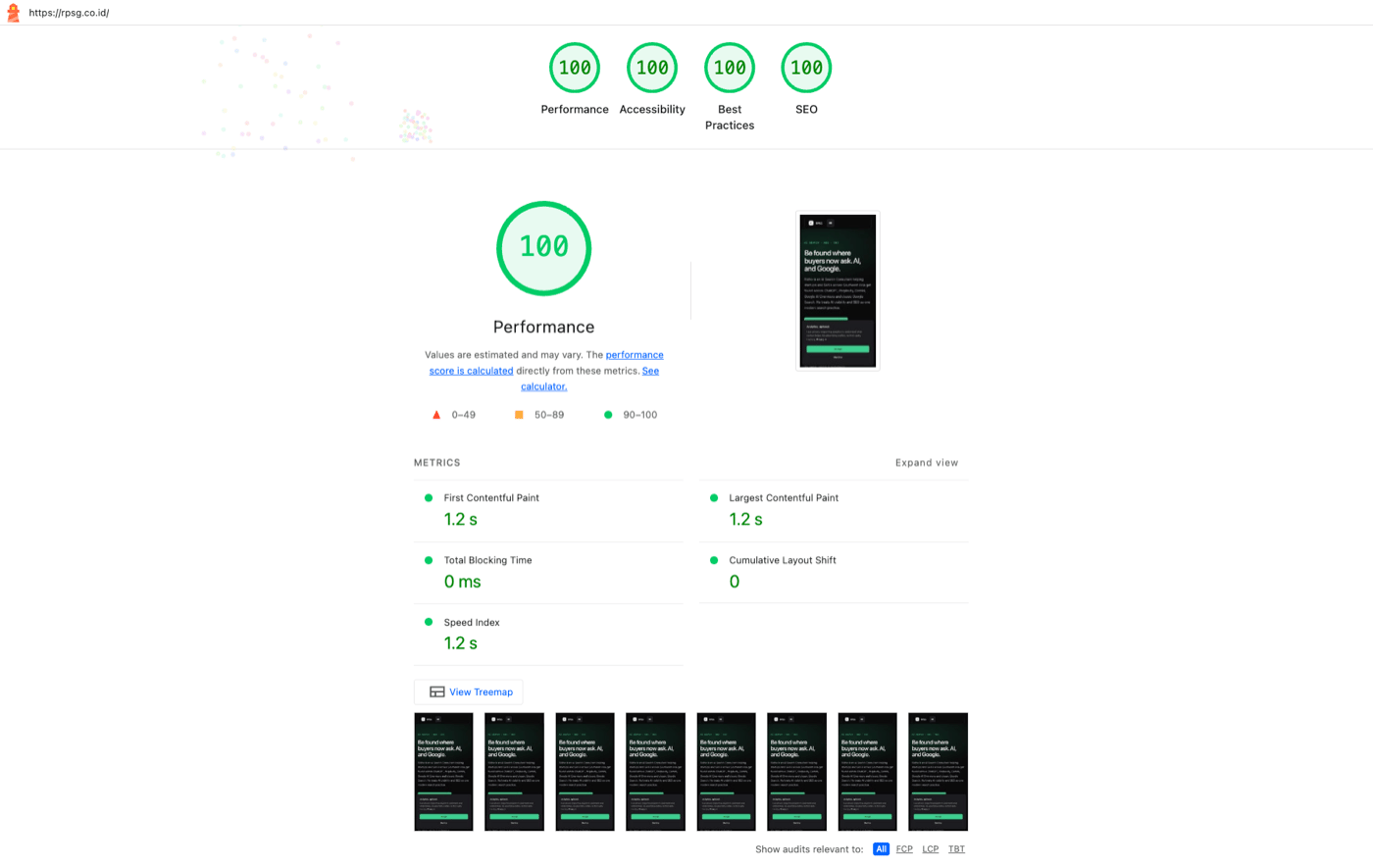
How I got rpsg.co.id to 100/100/100/100 on Lighthouse, and which fixes actually moved the score
Most Lighthouse advice tells you to chase 100 across the board. Half of it does not move the score and most of it does not move the user experience. Here is what actually got rpsg.co.id from 88/95/85/100 to 100/100/100/100, and what I would skip if I were doing this again.
Read post →
Your Highest-Priority SEO Fix Has Been Waiting Six Months
Edge SEO is how technical teams stopped waiting. Rather than changing the site at its origin, the codebase, the CMS, the database, you intercept the page at the CDN and change it on the way out. The fix lives on the network that already sits in front of every request, so it ships without a single deploy to your backend.
Read post →